Explore the app
Six short steps, one screen each. You don’t need an account, and nothing you do here is collected.
These are sample screens. Every name, message and answer in them is made up; no real person is shown.
Step 1 of 6 Help now: 114
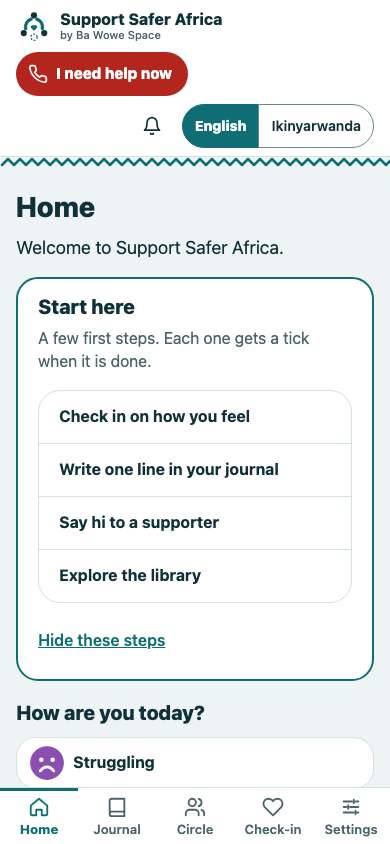
Home
Everything starts here: a few first steps, and how you are today.
Step 2 of 6 Help now: 114
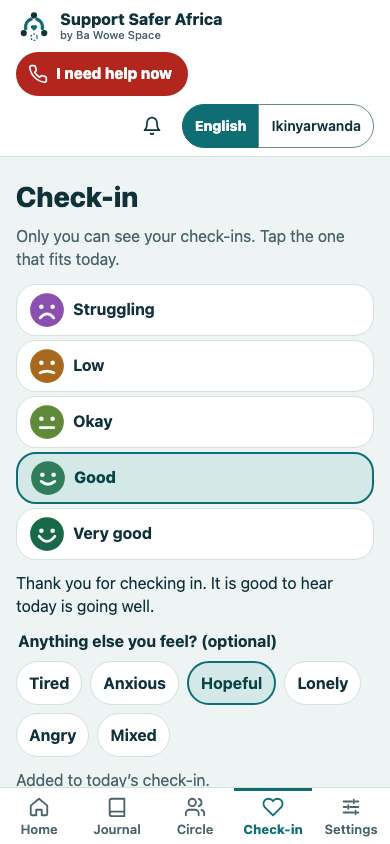
How are you today?
Tap the face that fits today; only you see it.
Step 3 of 6 Help now: 114
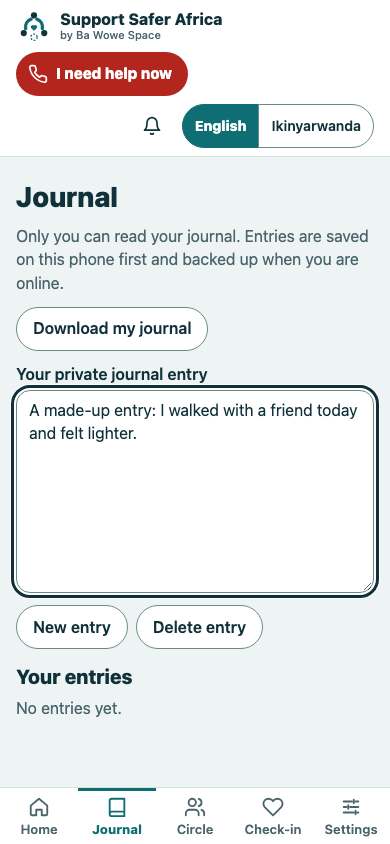
Your private journal
Write whatever is on your mind: it is encrypted, and no one on our team can open it.
Step 4 of 6 Help now: 114
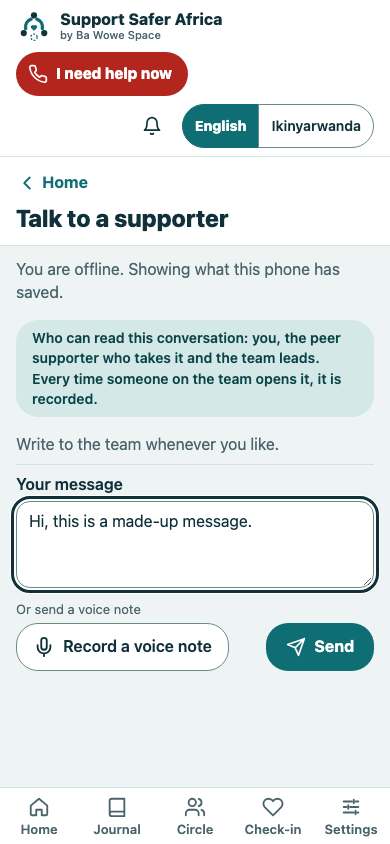
Talk to a supporter
Write privately to a trained peer supporter, in your own words.
Step 5 of 6 Help now: 114
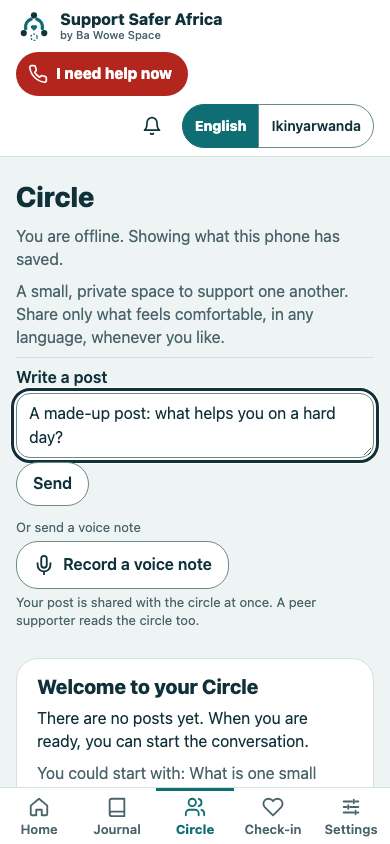
Your circle
A small, private group of young people who support one another, with a peer supporter.
Step 6 of 6 Help now: 114
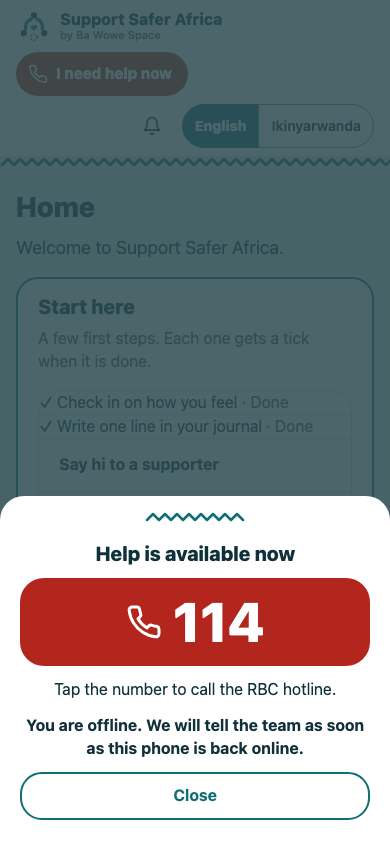
Help, any time
The red button on every screen shows 114: free, day and night, even without internet.
The same tour in a short video
About one minute, with subtitles; the video (283 KB) only downloads when you press play.
There is also a library: short things to read or listen to, and to share with a friend.
In danger or need help now? Call 114.
I have an invitation link Joining is by invitation.